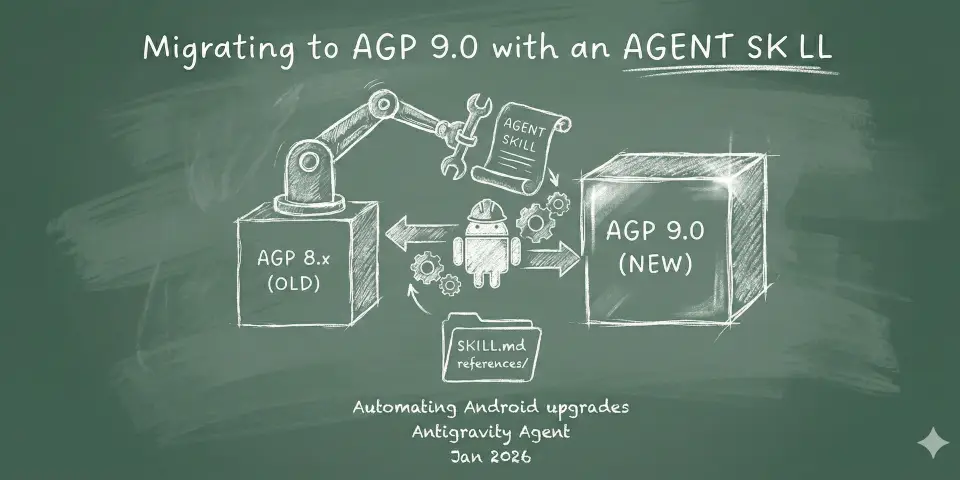
Migrating to AGP 9.0 with an Agent Skill
When the Android Gradle Plugin (AGP) 9.0.0 was released in January 2026, I found myself staring down a list of Android projects that needed to be migrated.
At first, I tried to make the changes manually. I’d look at the error messages on CI, try to fix one thing, only to have another break. (Story of my life for every AGP migration, btw)
And since I was swamped with other tasks at hand, I thought “I could probably automate this with the Antigravity Agent”, and a few seconds later, the realization came: “Ooh, this is a good opportunity to try out these new Agent Skills that people have been talking about!” 💡
So what are Agent Skills?
Per the definition on the official page (agentskills.io):
Agent Skills are a lightweight, open format for extending AI agent capabilities with specialized knowledge and workflows.*
At its core, a skill is a folder containing a SKILL.md file. This file includes metadata (name and description, at minimum) and instructions that tell an agent how to perform a specific task. Skills can also bundle scripts, templates, and reference materials.
my-skill/
├── SKILL.md          # Required: instructions + metadata
├── scripts/          # Optional: executable code
├── references/       # Optional: documentation
└── assets/           # Optional: templates, resources
Writing the migration skill
After seeing the skill structure described above, I thought: I know I’ll have to write the SKILL.md file (since that’s required) and I could probably also paste the AGP release notes to help the agent learn more about the migration. 🤔
1. Get the release notes as Markdown
So I started by:
- Heading over to the release notes in the official documentation.
- On that page, I clicked on “View as Markdown” (right next to the page title)
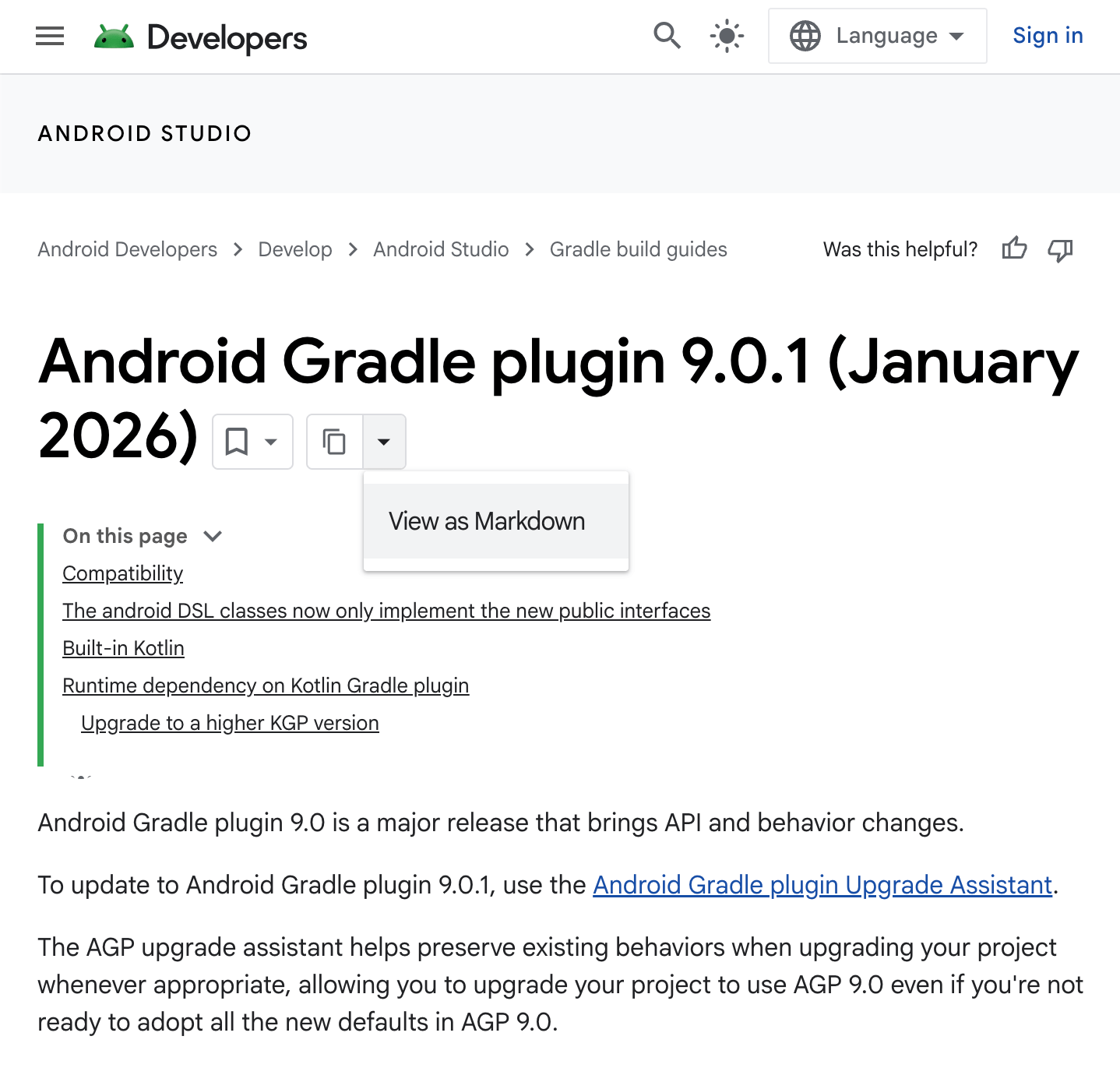
- I saved that file to my local machine as `agp-9-0-0-release-notes.md`.
2. Creating the resource folder
As I said earlier, I’m using Antigravity for this, and it supports two types of skills: workspace-specific or global. Since I need to use this skill across multiple projects, I went with global, as workspace-specific would tie it to a project.
Global skills in Antigravity are stored in `~/.gemini/antigravity/skills/`, and that’s where I created a new directory and pasted the agp-9-0–0-release-notes.md reference that I downloaded earlier. Here’s what the structure looked like:
agp9-skill/
├── SKILL.md                          # Blank for now
└── references/
      └── agp-9-0–0-release-notes.md  # The file downloaded earlier
3. Writing the SKILL.md
I started with the frontmatter to define the skill’s purpose:
---
name: upgrade-to-agp-9.0.0
description: Use this skill when the user asks to upgrade an Android project to Android Gradle Plugin 9.0.0.
---
Note that per the Agent Skills specification, these are the 2 required fields:
name: Max 64 characters. Lowercase letters, numbers, and hyphens only. Must not start or end with a hyphen.description: Max 1024 characters. Non-empty. Describes what the skill does and when to use it.
However, you can also have these optional fields in the frontmatter: license, compatibility, metadata, allowed-tools.
4. Defining the instructions
Now in the body of the SKILL.md file, I defined the logic. Since I had already done some manual work, I knew what some of the steps and common pitfalls were, so I listed those as bullet points. And at the end, I told it to verify its work by trying to compile the project with `./gradlew assembleDebug`:
---
name: upgrade-to-agp-9.0.0
description: Use this skill when the user asks to upgrade an Android project to Android Gradle Plugin 9.0.0.
---

# Upgrade to Android Gradle Plugin 9.0.0

## Goal
To safely upgrade an Android project to Android Gradle Plugin 9.0.0.

## Instructions
- Find all the gradle/wrapper/gradle-wrapper.properties files in the project and update the distributionUrl to use version 9.3.0-bin
- Find all the build.gradle files in the project and remove the kotlin-android plugin
- (if needed) remove android.defaults.buildfeatures.buildconfig=true from gradle.properties
- Replace any usages of getDefaultProguardFile("proguard-android.txt") with getDefaultProguardFile("proguard-android-optimize.txt")
- if any module contains implementation("androidx.multidex:multidex:2.0.1") as a dependency, remove it. Note that this might also include removing android:name="androidx.multidex.MultiDexApplication" from the application tag in the manifest

By the end of it, make sure the project still compiles by running `./gradlew assembleDebug`
Putting it to the test
I opened my first project in Antigravity and gave the command to the Agent: “Please migrate this project to AGP 9.0.0.”
It worked perfectly. Antigravity indicated that it was reading my Skill.md file and the agent started working on the updates. It made all of the changes, showed me the diff for me to review and asked for approval to run `./gradlew assembleDebug`.
Given the success of this experiment, I opened the first PR and moved on to run the same Skill on 3 other projects (quickstart-android, friendlyeats-android, codelab-friendlychat-android). For 2 out of the 4 projects, assembleDebug completed successfully.
There was one project where it failed, but the agent managed to read the error message and applied the necessary fix.
And there was another where the agent failed to apply a fix, and got stuck on an iterative loop of running assembleDebug, then trying to apply a fix, only to realize that the build was still broken and kept retrying other fixes. For this one, I stopped the agent and decided to fix the issue myself. (a few weeks later I discovered that the issue wasn’t fully solved, but for some reason CI passed when I first opened the PR - I’ll investigate further)
But all in all, I’m happy with how it turned out.
“Why don’t you publish this skill on GitHub?”
My coworkers often ask why I don’t just publish this skill to GitHub for everyone to use. The way I see it is: I wrote a skill very tailored to my specific project setup. There are other APIs with breaking changes in AGP 9 that my skill doesn’t cover and I haven’t had a chance to test whether the agent would be able to help migrate those (I strongly believe it would, since the migration guide under references/ also covers those).
Another point is the fact that these projects were all moving from AGP 8 to AGP 9. If someone were trying to jump from an older version of AGP (say for example, AGP 7) straight to 9, this specific skill might not be robust enough to handle the “double jump”. (although I could probably document that in the compatibility field of the SKILL.md frontmatter)
Either way, I still thought it would be nice to share my experience in this blog post. 🙂
If my skill works for your project, great! If not, you can probably adapt the logic to fit your specific needs.
Conclusion
Writing a custom AI skill to handle a version migration saved me hours of frustration. If you find yourself doing the same manual fix across multiple files or projects, I highly recommend taking the time to “teach” an AI agent how to do it for you. It’s an investment that pays for itself by the second or third PR.